
How Many Apps Do You Actually Need to Increase Productivity? The Only 4 That Matter
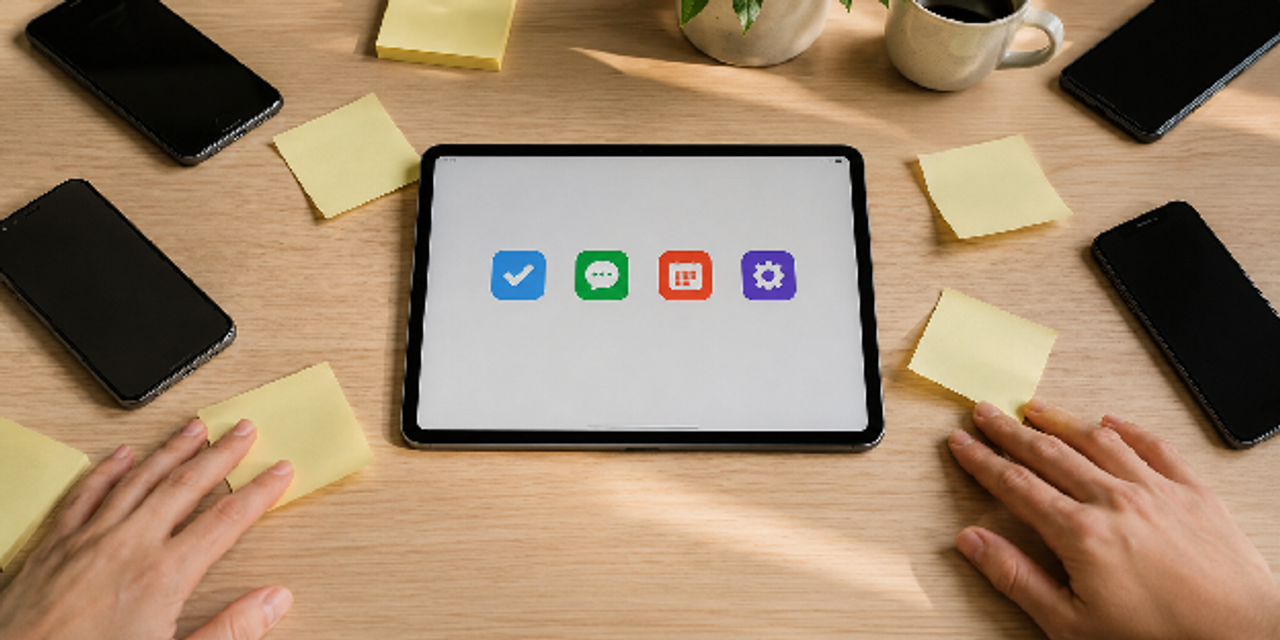
Are you drowning in a sea of notification badges while your actual to-do list sits completely untouched? You do not need dozens of flashy apps to increase productivity just to stay on top of your daily tasks.
The truth is that you only need a maximum of four core tools to optimize your workflow. Most professionals can easily master their day by using just one app for tasks, notes, calendar, and communication.
However, constantly downloading the newest software often creates a false sense of accomplishment instead of real progress. This guide will reveal the only four tools you actually need and show you how to streamline your digital workspace.
Key Takeaways
- Task management: Centralize all tasks to avoid scattered priorities, missed deadlines, and reactive work.
- Communication platform: Consolidate messaging to reduce notification overload and protect deep focus time.
- Time management: Use time blocking to match work with real time and energy limits, preventing overcommitment.
- Workflow automation: Automate repetitive tasks to save time and focus on higher-value work.
- Minimal tool stack: Use fewer integrated apps to reduce friction and keep your workflow consistent.
1. Task Management App
A task management app becomes your productivity foundation because it clarifies what matters most. Without a central system, your work quickly turns reactive and disorganized. You start tracking deadlines through memory, scattered notes, or unread messages instead.
That is why you need to understand what features matter most and how to structure your daily workflow effectively.
Choose Features That Reduce Complexity
You might think more features automatically improve productivity, but that often creates more friction instead of clarity. The best productivity apps simplify your decisions by reducing unnecessary settings and avoiding overwhelming dashboards.
Therefore, focus on tools that help you prioritize quickly, automate recurring actions, and centralize communication, as shown in the table below:
| Feature | Why It Matters | Productivity Impact |
|---|---|---|
| Priority Labels | Helps rank important tasks | Reduces wasted effort |
| Calendar Integration | Syncs deadlines automatically | Prevents missed schedules |
| Recurring Tasks | Automates repetitive planning | Saves mental energy |
| Collaboration Tools | Keeps teams aligned | Improves accountability |
| Mobile Access | Supports work anywhere | Maintains workflow continuity |
Build a Daily Workflow Around One System
Switching between multiple daily productivity apps forces you into constant context switching that breaks focus. Instead, you should build one workflow hub where tasks enter, move through stages, and get completed.
Follow the simple step-by-step workflow below to keep your system consistent and easy to maintain:
- Capture every task immediately in one app.
- Categorize tasks by urgency and impact.
- Assign deadlines only when necessary.
- Review priorities at the start of each day.
- Archive completed work weekly to reduce clutter.
2. Communication Platform
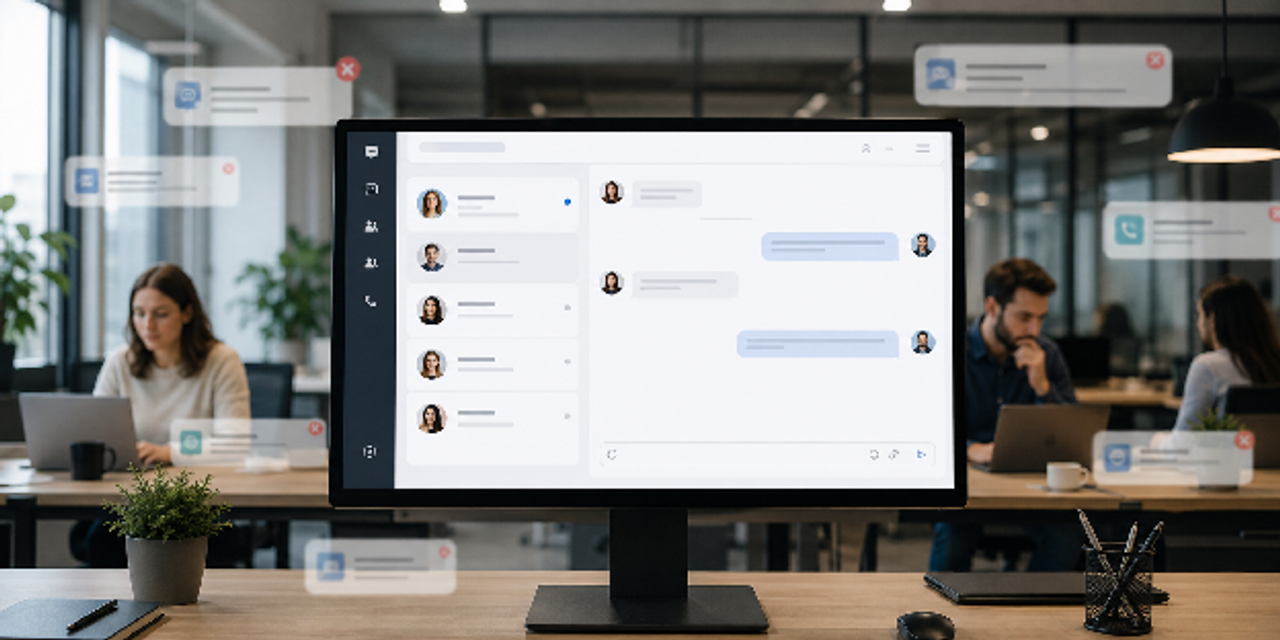
Real productivity happens when communication stops interrupting deep work. A centralized communication platform keeps messages, updates, and discussions in one controlled environment—saving you from chasing information across multiple apps. By minimizing scattered attention, it becomes much easier to filter urgent tasks from background noise.
To improve results, you need to reduce noise and set clearer communication structures through better rules and habits.
Reduce Notification Overload
Notification fatigue quietly hurts your productivity because it trains your brain to expect constant interruption. Every alert pulls your attention away from deep work, even if you do not respond right away.
To take control of this, you can manage urgency more intentionally by referring to the points below:
- Mute non-essential channels during focus hours.
- Separate urgent discussions from casual conversations.
- Use threaded conversations to reduce clutter.
- Archive inactive channels regularly.
- Set clear communication response expectations.
Create Communication Rules That Scale
Don't blame your tools—unclear communication habits are the real problem. The best productivity tech will fail without defined response times, channel purposes, and meeting expectations.
Use the table below to establish clear communication rules for your team:
| Communication Problem | Better Workflow Solution |
|---|---|
| Endless status meetings | Replace with asynchronous updates |
| Duplicate conversations | Assign one platform per topic |
| Slow responses | Define urgency categories |
| Lost information | Create searchable knowledge hubs |
| Frequent interruptions | Establish focus hours |
3. A Time Management Tool for Better Focus
True focus begins when you stop treating your day like an endless, chaotic to-do list. A time management tool tames this workload by converting it into structured time blocks, shifting you from a reactive state to a proactive one. By eliminating the constant decision fatigue of "what do I do next," you anchor your attention on a single task.
Once that structure is set, the real magic happens: you can refine those blocks to mirror your actual energy levels and highest priorities.
Use Time Blocking Instead of To-Do Lists Alone
Traditional to-do lists fail because they ignore how limited your time and energy actually are. You may list ten priorities, but you can realistically focus on only a few meaningful tasks.
To fix this, you can structure your day using a simple time blocking workflow outlined below:
- Identify your highest-energy work hours.
- Reserve uninterrupted focus blocks for difficult tasks.
- Group similar low-focus tasks together.
- Schedule breaks before mental fatigue appears.
- Leave buffer space between meetings and deadlines.
Measure Energy, Not Just Output
Most daily productivity apps track completed tasks, but they often ignore how your energy fluctuates throughout the day. This leads to lower productivity when your schedule drains mental capacity without giving you enough recovery time.
For a clearer approach, you can balance execution with energy management using the table below:
| Energy Drain | Smarter Productivity Adjustment |
|---|---|
| Constant meetings | Limit meeting duration |
| Multitasking | Work in single-task sessions |
| Notification switching | Batch communication reviews |
| Poor prioritization | Focus on high-impact tasks first |
| Digital overload | Reduce unnecessary app usage |

4. A Workflow Automation App That Eliminates Repetitive Work
Workflow automation apps remove repetitive tasks that waste your time and reduce focus throughout the day. You can automate reminders, file organization, data syncing, and status updates instead of handling them manually. As a result, you spend less energy on administrative work and more time on meaningful decisions and creative tasks.
However, you should first automate repetitive processes before deciding which human tasks still need personal attention.
Automate Repetitive Processes First
You do not need advanced technical skills to benefit from automation in your daily workflow. Start by targeting tasks you repeat every day, since small automations quickly compound into meaningful time savings over time.
Once you identify those opportunities, you can apply the simple automation steps listed below:
- Automate recurring calendar reminders.
- Sync project updates across platforms.
- Create automatic file organization rules.
- Trigger follow-up emails after meetings.
- Generate recurring reports automatically.
Avoid Over-Automating Human Work
Automation improves efficiency, but too much of it can weaken communication quality and decision-making. You still need to handle tasks that require judgment, creativity, and real context.
With that in mind, you can balance automation and human work carefully using the table below:
| Good Automation Use Cases | Poor Automation Use Cases |
|---|---|
| Data syncing | Sensitive customer responses |
| Deadline reminders | Complex negotiations |
| File organization | Creative brainstorming |
| Routine reporting | Strategic planning |
| Status updates | Team relationship building |
Summary Table: The Only 4 Productivity Apps Categories You Need
| App Category | Primary Purpose | Biggest Benefit | Common Mistake |
|---|---|---|---|
| Task Management Apps | Organize priorities | Improves clarity | Over-customizing workflows |
| Communication Platforms | Streamline collaboration | Reduces confusion | Constant notifications |
| Focus and Time Management Tools | Protect attention | Improves deep work | Over-scheduling every minute |
| Workflow Automation Apps | Remove repetitive work | Saves time consistently | Automating complex decisions |
Conclusion
If you choose the right apps to increase your productivity, you stop relying on scattered tools and start working with a focused system. The real gain is not more software, but fewer distractions and clearer execution across your day.
That shift changes how you work on a daily level. After applying these principles, your work becomes more controlled and less reactive. You move through tasks with clarity, protect your attention, and reduce unnecessary digital noise.
From here, your next move is practical. Begin by auditing your current setup and removing anything that overlaps or adds friction. Then build your workflow around the four core app types outlined above.
FAQs
What are the best productivity apps for work?
The best productivity apps for work usually include task management software, communication tools, time management tools, and workflow automation apps. The ideal combination depends on your workflow complexity and team size.
How many productivity apps should you use?
Most professionals only need four core productivity tools. Using too many apps often creates distractions, duplicate work, and workflow confusion.
What are the best apps for productivity and organization?
Strong apps for productivity and organization include platforms for task planning, scheduling, communication, and file management. The most effective systems prioritize simplicity and integration.
Do productivity apps actually improve focus?
Yes, focus and productivity tools can improve concentration when used correctly. However, excessive notifications and app switching can reduce attention span instead.
What is digital minimalism in productivity?
Digital minimalism means using fewer, more intentional tools to reduce distraction and cognitive overload. The goal is efficiency through simplicity.
Are workflow automation apps worth using?
Workflow automation apps are valuable because they eliminate repetitive administrative work. They save time by handling recurring tasks automatically.
What is the difference between task management apps and time management tools?
Task management apps organize what needs to get done, while time management tools help you control when and how work gets completed. Together, they create a more structured workflow.
Meta Title: 4 Apps to Increase Productivity: The Only Tools You Need
Meta Description: Stop using too many tools and switch to 4 apps that help you increase productivity through focus, communication, time management, and automation today.