
How to Manage Your Life with Just One App: 7 Steps to Digital Minimalism
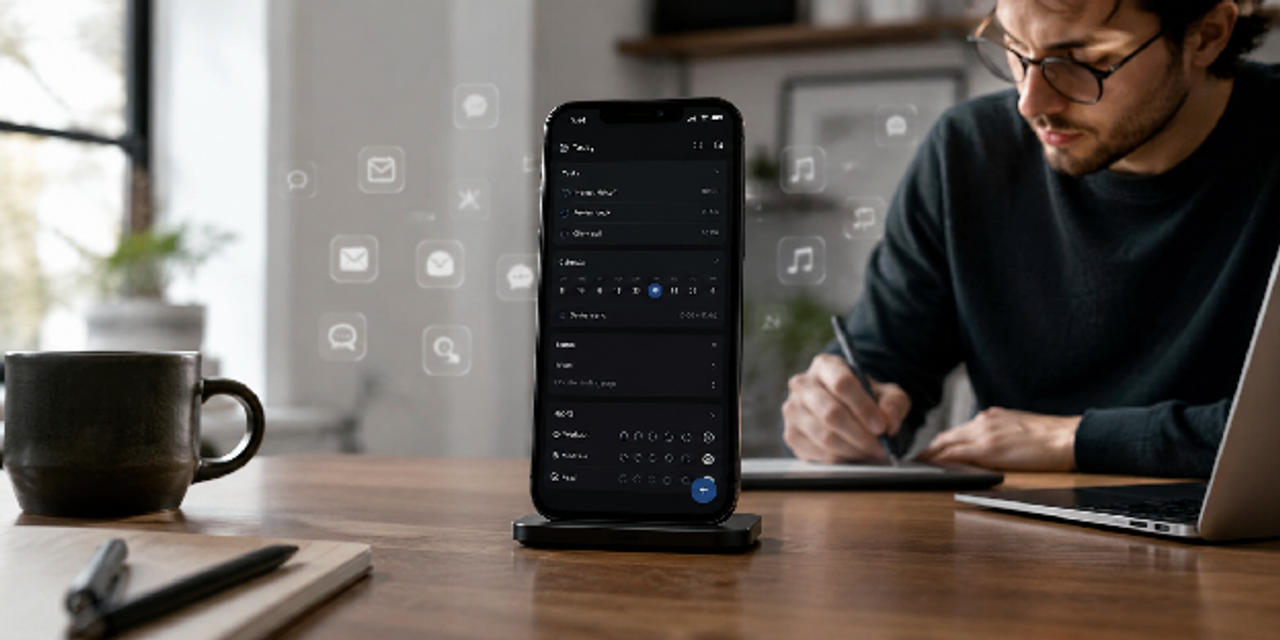
Are you drowning in a sea of smartphone notifications and constant digital clutter? Learning how to manage your life with just one app will rescue your sanity and restore your focus.
You can actually streamline your entire daily routine by migrating your tasks, notes, and calendars into a single command center. This minimalist approach eliminates distracting app-switching and keeps your essential information perfectly organized in one central place.
Transitioning to this streamlined lifestyle requires a deliberate strategy rather than just a sudden digital purge. Here are seven practical steps to embracing digital minimalism and reclaiming control over your chaotic screen time.
Step 1: Audit Your Current Digital Habits
Before choosing an all-in-one productivity app, you need to understand where your current system creates unnecessary friction. You likely use overlapping apps for notes, reminders, calendars, and task management without noticing the mental strain.
Additionally, a digital audit helps you identify distractions, duplicate workflows, and tools that no longer support your productivity. Once you recognize these problems, you can identify essential apps and remove redundant productivity tools more intentionally.
Identify the Apps You Actually Use
You likely keep various productivity apps installed "just in case," but they usually add confusion instead of actual value. Therefore, you should immediately start tracking which specific tools you actively use for work, planning, habits, and communication.
To help you audit your workflow, use this comparison guide to spot your common errors and better solutions:
| Digital Category | Common Problem | Better Approach |
|---|---|---|
| Notes apps | Duplicate information | Centralize notes |
| Calendar apps | Conflicting reminders | Use one synced calendar |
| Task management tools | Scattered priorities | Combine tasks in one dashboard |
| Habit tracker apps | Inconsistent usage | Use built-in habit systems |
| Daily planner app | Overcomplicated schedules | Simplify routines |
Remove Redundant Productivity Tools
Once you identify an overlap, eliminating it aggressively will immediately free your mind and clear your digital workspace. Separate apps for reminders, goals, notes, and planning become useless if your primary system already supports those features.
Streamlining your ecosystem takes only a few minutes when following this straightforward step-by-step:
- List every productivity app on your phone.
- Group them by function.
- Keep only one tool per function.
- Delete unused or duplicate apps.
- Test your simplified setup for one week.
Step 2: Choose the Right All-in-One Productivity App
Not every platform deserves to become your main productivity system because some apps create unnecessary complexity. Instead, excessive customization and feature overload can make simple daily tasks harder to manage consistently. The best life organizer app should simplify decisions, support routines, and adapt naturally as your goals evolve.
To choose the right tool, you should focus on essential features and balance simplicity with long-term flexibility.
Focus on Core Features Instead of Trends
A powerful productivity app never requires hundreds of complex features to transform your daily workflow. Instead, look for a simple interface that masterfully combines your task management, scheduling, and note organization.
Finding the perfect tool becomes much easier when checking for these non-negotiable core features:
- Calendar integration
- Cross-device syncing
- Habit tracking
- Task prioritization
- Note-taking
- Goal management
- Reminder automation
Compare Simplicity Against Flexibility
Some users crave deep customization, while others desperately need speed and ultimate simplicity. Choosing the wrong balance creates immense frustration, especially if you constantly adjust your system instead of completing actual work.
This direct breakdown of different application styles will guide you toward the right choice:
| App Style | Best For | Risk |
|---|---|---|
| Minimal apps | Fast execution | Limited customization |
| Flexible platforms | Complex workflows | Higher learning curve |
| Automation-focused tools | Busy professionals | Setup complexity |
| Visual dashboards | Creative thinkers | Information overload |

Step 3: Centralize Your Task Management System
Scattered tasks create stress because your mind keeps trying to track unfinished work. When you centralize task management, you remove that cognitive burden and create one trusted system. As a result, digital minimalism becomes practical rather than just a concept you read about.
Below, you will see how a unified inbox and priority categories can help you structure this system effectively.
Create One Unified Inbox
A unified inbox safely captures every incoming task, urgent reminder, and spontaneous idea in one single location. Consequently, this smart habit prevents excessive mental clutter and dramatically reduces the number of responsibilities you forget.
Building this protective holding zone takes just a few steps with this straightforward setup workflow:
- Create one default task inbox.
- Add quick-capture shortcuts on all devices.
- Store every task immediately.
- Process tasks once daily.
- Organize tasks into categories or projects.
Build Priority-Based Task Categories
Not every task hitting your plate deserves an equal amount of your limited attention and energy. Proactive sorting shields you from stressful, reactive work habits while sharpening your focus throughout the day.
Look at how neatly you can divide your responsibilities using the table below:
| Priority Level | Example Tasks | Recommended Action |
|---|---|---|
| High priority | Deadlines, urgent calls | Complete immediately |
| Medium priority | Planning, admin work | Schedule a time block |
| Low priority | Minor errands | Batch together |
| Someday tasks | Future ideas | Review weekly |
Step 4: Simplify Your Daily Planning Process
Your daily planner app should create clarity, not pressure. However, you might overplan and turn organization into a form of procrastination. To avoid this, you need a planning system that feels lightweight, fast, and repeatable.
You can achieve this consistency by focusing on two practical habits next.
Build Repeatable Daily Templates
Reusable templates instantly eliminate repetitive decisions and save your mental energy each morning. By avoiding rebuilding your schedule daily, you maintain a predictable structure that naturally supports your momentum.
Consider arranging your daily routine around these essential time blocks for maximum efficiency:
- Morning review routine
- Focus work block
- Meeting windows
- Exercise or wellness time
- Evening reflection
- Digital shutdown routine
Time Block Your Most Important Tasks
Time blocking effectively safeguards your biggest priorities against constant workplace distractions and chaotic, reactive habits. Without this strictly protected focus time, your entire daily schedule remains entirely vulnerable to sudden external interruptions.
Try scheduling your day around this straightforward workflow to lock in your deep work sessions:
- Identify your top three tasks.
- Assign dedicated calendar blocks.
- Disable notifications during focus sessions.
- Batch shallow work together.
- Review unfinished tasks at day’s end.
Step 5: Integrate Habit Tracking Into Your Workflow
Habits shape your long-term results much more than occasional bursts of motivation. Therefore, a built-in habit tracker keeps your routines visible and measurable without requiring a separate app. This step matters because your sustainable productivity depends on daily consistency rather than intense, short-term effort.
To build this consistency, let's explore two strategies to integrate tracking smoothly.
Track Keystone Habits First
Keystone habits naturally trigger positive ripple effects across your entire day, lifting your productivity effortlessly. Trying to track too many behaviors at once usually backfires because your tracking system becomes completely overwhelming.
Review these specific high-impact routines to discover where you can secure the biggest wins with minimal effort:
| Keystone Habit | Why It Matters | Suggested Frequency |
|---|---|---|
| Sleep schedule | Improves focus | Daily |
| Exercise | Boosts energy | 3-5 times weekly |
| Planning session | Reduces chaos | Daily |
| Reading | Builds knowledge | Daily |
| Deep work | Improves output | Weekdays |
Use Streaks Carefully
While habit streaks can definitely keep you highly motivated, relying on them too heavily often fuels toxic perfectionism. Because of this rigid mindset, missing a single day can destroy your hard-earned personal momentum.
Incorporate these practical approaches into your daily routine to protect your progress while building true consistency:
- Focus on weekly consistency
- Avoid tracking too many habits
- Celebrate progress over perfection
- Review patterns monthly
- Adjust unrealistic goals quickly
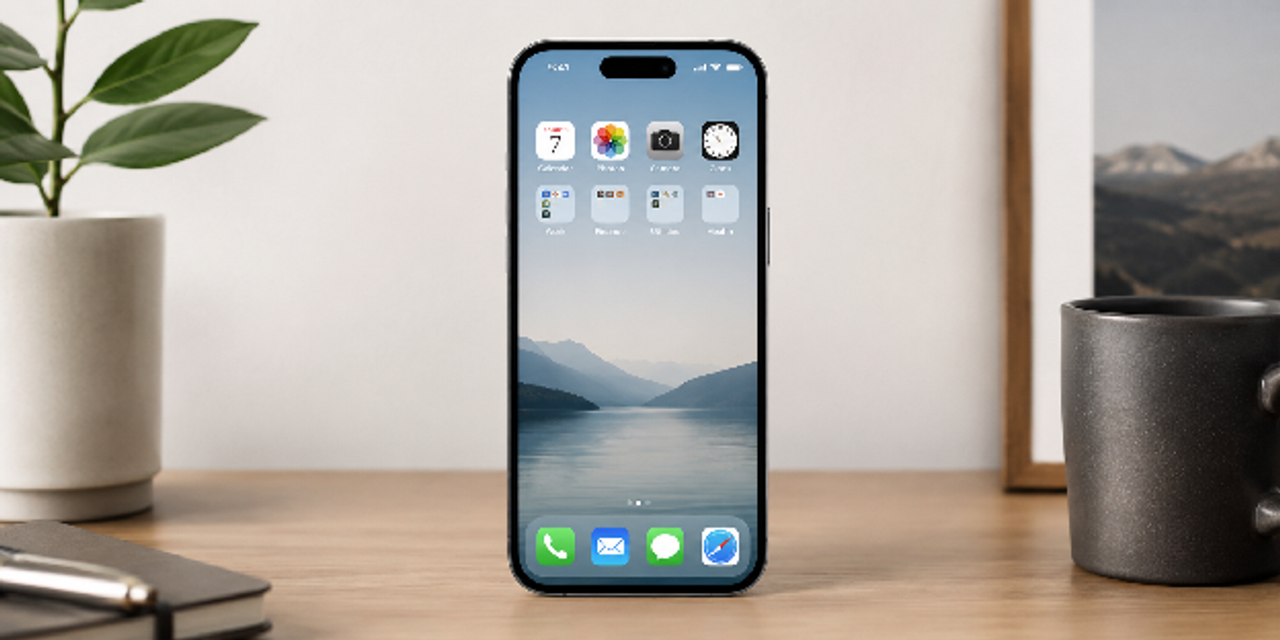
Step 6: Reduce Notifications and Digital Clutter
Every ping shards your attention and pulls you away from meaningful work. Worse yet, these tiny interruptions secretly drain your daily energy and destroy your deep concentration. Reclaiming your focus means choosing intentional action over constant reaction.
Let’s silence the noise immediately with two aggressive tactics.
Turn Off Non-Essential Alerts
Constant digital notifications are intentionally designed to hijack your attention and pull you back into various apps. Since very few alerts are genuinely urgent, these persistent interruptions constantly derail your deepest concentration.
Take back control of your focus right now by following this simple, step-by-step digital cleanup workflow:
- Disable social media notifications.
- Keep only essential communication alerts.
- Remove promotional app notifications.
- Use scheduled notification summaries.
- Enable focus modes during work sessions.
Organize Your Digital Environment
Your phone layout heavily affects your daily behavior, subtly shaping how you interact with your digital world. Whenever you face a cluttered home screen, it actively encourages mindless distraction and constant, impulsive checking.
Use this clear setup guide to reorganize your digital environment and build a much cleaner workspace:
| Digital Element | Better Setup |
|---|---|
| Home screen | Keep essential apps only |
| Email inbox | Archive aggressively |
| Downloads folder | Clean weekly |
| Browser tabs | Limit open tabs |
| Cloud storage | Create simple folders |
Step 7: Build a Weekly Review System
Without a steady anchor, your crisp productivity setup will inevitably drift into pure chaos. A dedicated weekly huddle lets you hit the reset button on your priorities and digital space. This deliberate pause transforms short-lived motivation into lasting, effortless control over your life.
To keep your system running smoothly, implement these two foundational routines each week.
Review Tasks, Goals, and Habits Weekly
Regular weekly reviews help you reconnect with your highest priorities before small problems grow into massive headaches. By catching these issues early, you successfully prevent important tasks from completely disappearing into forgotten lists.
Incorporate these vital checklist items into your next review session to keep your momentum strong:
- Clear completed tasks
- Review upcoming deadlines
- Check habit consistency
- Reorganize priorities
- Plan next week intentionally
Measure System Effectiveness
Regularly measuring your system effectiveness allows you to pinpoint hidden bottlenecks before they quietly disrupt your workflow. As you uncover these specific operational friction points, you can quickly adjust your habits to sustain high-level output.
Reflect on this quick assessment table during your next review to optimize your digital setup:
| Review Question | Purpose |
|---|---|
| What caused stress this week? | Identify friction points |
| Which tasks mattered most? | Improve prioritization |
| What distracted you most? | Reduce attention leaks |
| Which habits helped most? | Reinforce effective routines |
| What should be simplified? | Maintain digital minimalism |
Summary Table: Steps to Manage Life With One App
| Step | Main Goal | Core Benefit |
|---|---|---|
| Audit digital habits | Identify clutter | Reduce overwhelm |
| Choose one app | Centralize organization | Simplify workflows |
| Build task management | Capture responsibilities | Improve focus |
| Simplify daily planning | Structure your day | Reduce decision fatigue |
| Integrate habit tracking | Support consistency | Build momentum |
| Reduce digital clutter | Limit distractions | Increase productivity |
| Review weekly | Maintain organization | Sustain long-term results |
Conclusion
Now that you have streamlined your digital workspace, you have mastered the essential strategy of how to manage your life with just one app. This structural pivot transforms your device from a source of constant distraction into a unified engine for personal growth.
You are no longer just organizing information; you are shifting your entire mindset from passive consumption to deliberate execution. When your system becomes invisible, you reclaim the mental bandwidth needed to focus on what truly matters.
To lock in this transformation, choose just one area—like your daily schedule or task list—to migrate into your new ecosystem today. Master that single workflow first, and let your momentum naturally carry you toward total digital clarity.
FAQs
What is the best life organizer app for digital minimalism?
The best life organizer app combines task management, habit tracking, calendars, and notes in one clean interface. Popular choices include Notion, Todoist, ClickUp, and Sunsama.
Can one app really manage your entire life?
Yes, if the app supports scheduling, reminders, notes, goals, and workflow organization. The key is consistency, not feature quantity.
How do you organize your life digitally without overwhelm?
Start by reducing app overload. Centralize your tasks, calendar, and routines into one ultimate life management tool to simplify daily decisions.
Why does digital clutter reduce productivity?
Digital clutter increases distractions, decision fatigue, and mental stress. Simplifying your digital environment improves focus and productivity significantly.
What features should an all-in-one productivity app have?
Look for task management, calendar syncing, habit tracker tools, reminders, note-taking, and cross-device support.
How often should you review your productivity system?
A weekly review is ideal. It helps you adjust priorities, remove clutter, and maintain a sustainable digital organization system.
Is digital minimalism good for mental health?
Yes. Reducing unnecessary notifications, apps, and distractions can lower stress levels and improve mental clarity and focus.
Meta Title: How to Manage Your Life with Just One App [7 Easy Steps]
Meta Description: Drowning in notifications? Learn how to manage your life with just one app. Reduce digital clutter, build a unified inbox, and reclaim your daily focus.
URL Slug: manage-life-with-one-app