
Build Your Perfect Day: 5 Steps to Organize Your Life Using A Smartphone

Your phone already shapes how you think, work, and spend your time each day. However, you can also organize your life using a smartphone instead of letting distractions control your routine. The most effective strategy combines decision reduction, habit stacking, visual accountability, time-blocking, and progress tracking to improve productivity and consistency.
Still, many people download productivity apps without creating a system that supports their daily behavior. Because of that, their phones increase stress instead of creating structure. The real issue is not technology itself. Instead, it is the lack of intentional routines and psychological triggers that support better decisions.
That is why in this guide, we will show you how to build a practical personal productivity system using your smartphone. We will also explain how to organize your daily routine, manage your time more effectively, and stay productive without burnout.
Key Takeaways
- Decision fatigue reduction: Use calendars and reminders to remove daily guesswork and protect mental energy for important tasks.
- Habit stacking & automation: Link habits to routines and automate actions so consistency does not depend on motivation.
- Visual accountability: Organize your home screen and tracking so your phone naturally pushes productive behavior.
- Time-blocking & focus modes: Set fixed work blocks and block distractions to protect focus and control your time.
- System review & sustainability: Regularly simplify and adjust your setup so it stays useful and easy to maintain.
1. Reduce Decision Fatigue to Organize Your Life Using a Smartphone
Every decision you make drains mental energy and focus throughout the day. As constant choices accumulate, your attention becomes fragmented, and productivity becomes harder to maintain. However, a structured smartphone productivity system reduces unnecessary decisions and creates more mental clarity.
To make this system effective, you first need the right tools, reminders, and routines working together.
Create a Daily Planner App System That Decides Your Priorities
A daily planner app works best when it removes uncertainty, not when it overwhelms you with options. Your goal is not to track everything you do each day. Rather, the focus should be on creating clarity around the few actions that truly matter most.
Understanding how each planner feature translates into better daily decisions becomes clearer when you break them down in the table below:
| Daily Planner Feature | Productivity Benefit | Best Use Case |
|---|---|---|
| Priority labels | Reduces overwhelm | High-impact tasks |
| Recurring schedules | Automates routines | Morning and evening habits |
| Calendar sync | Prevents scheduling conflicts | Meetings and deadlines |
| Focus reminders | Improves concentration | Deep work sessions |
Use Calendar and Reminder Apps to Eliminate Mental Clutter
Most people rely too heavily on memory for daily responsibilities. This creates stress as your brain constantly tracks unfinished tasks in the background. In contrast, calendar and reminder apps eliminate mental clutter by externalizing these responsibilities so your attention stays focused.
These tools work best when you apply them through a simple, structured workflow in your daily routine:
- Schedule appointments immediately after confirming them.
- Set reminders 15 to 30 minutes before important events.
- Use recurring reminders for bills, workouts, and routines.
- Color-code categories like work, health, and personal life.
Simplify Your Notifications to Protect Attention
Notifications train your brain to expect constant interruption throughout the day. Even quick alerts can break deep concentration and reduce productivity for several minutes afterward. Therefore, simplifying your notification settings is one of the fastest ways to regain focus and control your attention.
This becomes easier when you start by categorizing and adjusting the most important notification types in a clear, structured list below:
- Disable non-essential social media notifications.
- Keep only communication and productivity alerts active.
- Use “Do Not Disturb” during focused work periods.
- Group similar apps into folders to reduce visual clutter.
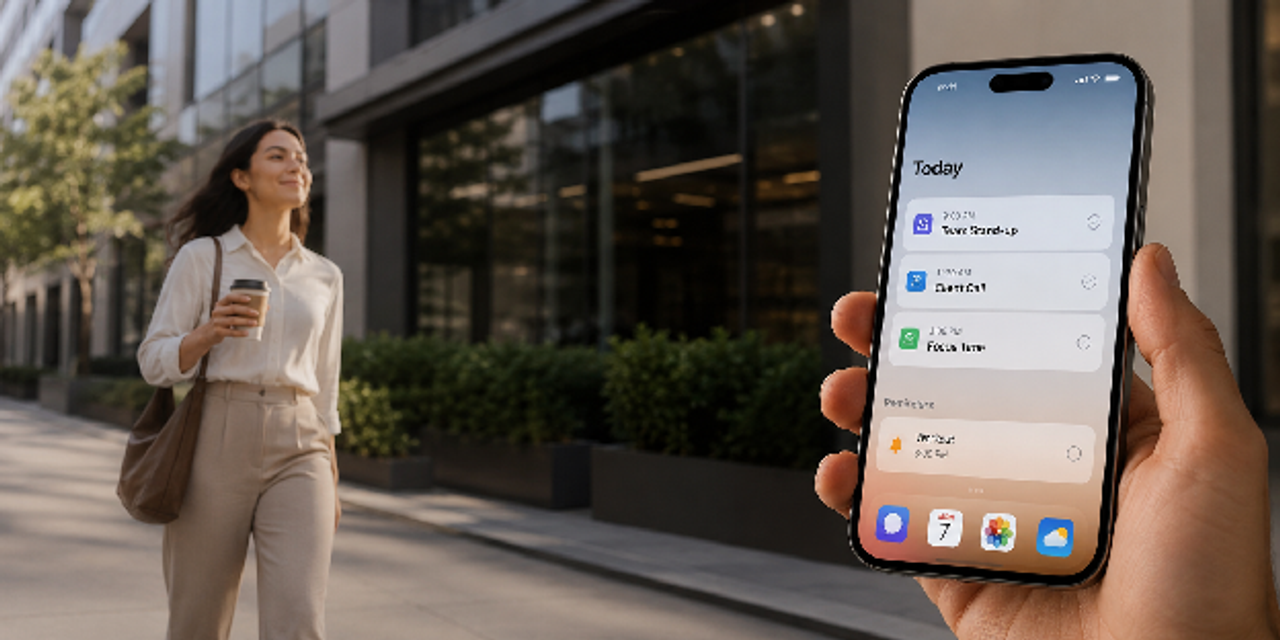
2. Use Habit Stacking to Organize Your Daily Routine
Habit stacking helps you build consistent routines by connecting new behaviors to existing daily habits. Because your brain already recognizes familiar patterns, these actions feel easier to repeat automatically. Instead of depending on motivation, your smartphone reinforces routines through reminders, automation, and habit tracker apps.
To make habit stacking effective, you need routines that naturally fit into your existing schedule.
Build Morning and Evening Anchors With Habit Tracker Apps
Morning and evening routines create structure and stability around your day, helping you stay consistent. A habit tracker app makes these routines visible and measurable, which improves follow-through over time.
Clarity increases further when routine types are mapped to specific habits and tools in the breakdown ahead:
| Routine Type | Example Habit | Smartphone Tool |
|---|---|---|
| Morning | Review priorities | Daily planner app |
| Morning | Hydration reminder | Reminder app |
| Evening | Prepare next-day tasks | Task management app |
| Evening | Screen-free wind down | Focus mode settings |
Pair Small Actions With Existing Behaviors
Attempting to change your entire life overnight often fails due to overwhelming complexity and low sustainability. Small habit connections are easier to maintain and compound over time, creating lasting progress with less effort.
Practical application of this approach becomes clearer through a simple step-by-step workflow that follows:
- Open your planner app while drinking morning coffee.
- Review tomorrow’s schedule before brushing your teeth at night.
- Log habits after lunch every day.
- Start a focus timer immediately after opening your laptop.
Automate Repetitive Tasks Using Smartphone Productivity Features
Automation removes friction from your day, helping you move through tasks with less effort and more consistency. As you reduce manual actions, you increase your chances of staying organized and building long-term productivity habits.
From here, applying smartphone productivity automation features becomes clearer when you explore the key techniques outlined below:
- Use recurring reminders for repetitive responsibilities.
- Enable automatic cloud backups for notes and files.
- Create smart alarms tied to calendar events.
- Use widgets for quick access to essential productivity apps.
3. Create Visual Accountability Through Digital Organization
Your brain responds quickly to visual cues and digital environments throughout the day. As a result, a cluttered smartphone setup increases distractions and makes focused decisions more difficult. In contrast, intentional digital organization helps you access productive tools faster and reduce unnecessary mental stress.
Small changes to your layout, labels, and tracking systems can dramatically reshape your daily behavior.
Organize Your Home Screen for Intentional Behavior
Your smartphone home screen should support your goals instead of sabotaging them. When entertainment apps dominate the first screen, your brain naturally shifts toward distraction and reactive behavior.
Consequently, structuring your layout for intentional digital organization becomes clearer when you review how each home screen element should be arranged in the table below:
| Home Screen Element | Recommended Action | Purpose |
|---|---|---|
| First screen apps | Productivity only | Encourages focused behavior |
| Widgets | Calendar and tasks | Improves visibility |
| Social apps | Move to the second page | Reduces impulsive usage |
| Folder organization | Group by purpose | Simplifies navigation |
Use Color and Labels to Improve Task Management
Visual categorization speeds up your decision-making, helping you process tasks more efficiently throughout your day. When tasks are grouped clearly, your brain spends less energy figuring out what needs your attention and what can wait.
As you refine your system, organizing your workflow with color coding and labels for task management becomes easier through simple grouping strategies outlined below:
- Use colors for different life categories.
- Label folders with action-oriented names.
- Separate urgent tasks from long-term projects.
- Archive completed items regularly.
Clear visual systems reduce hidden mental stress.
Track Progress to Reinforce Motivation
Progress tracking activates your psychological reward systems, reinforcing motivation every time you complete a task. Seeing completed tasks clearly helps you build momentum and strengthen consistency over time.
From there, turning progress into visible action becomes easier through the step-by-step workflow outlined below:
- Mark completed tasks immediately.
- Review weekly productivity trends.
- Celebrate streaks in your habit tracker.
- Adjust goals based on realistic performance.
4. Apply Time Management Using Smartphone Tools
Most productivity issues begin with poor time awareness and daily structure. Without clear limits, tasks expand endlessly and delay your most important responsibilities. Meanwhile, time management using smartphone tools helps you create intentional schedules and protect focused work periods.
With the right strategies, your smartphone can guide your schedule instead of constantly disrupting it.
Time-Block Your Day With a Task Management App
Time-blocking assigns specific hours to specific responsibilities, giving your day a clear structure and direction. Procrastination drops when your brain no longer has to negotiate what to do next.
Breaking down your schedule into effective time-blocking segments with a task management app becomes clearer when you review the structured table below:
| Time Block Type | Duration | Recommended Use |
|---|---|---|
| Deep work | 60 to 90 minutes | Creative or analytical tasks |
| Admin tasks | 20 to 30 minutes | Emails and scheduling |
| Break periods | 10 to 15 minutes | Mental recovery |
| Planning session | 15 minutes | Daily review |
Use Focus Modes to Protect High-Value Work
Constant multitasking destroys your productivity quality, reducing both focus and output throughout the day. Focus modes help you create clear boundaries that protect concentration during high-value work periods.
Setting up focus modes for deep work protection becomes easier when you apply the list below:
- Activate app restrictions during work sessions.
- Allow only emergency contacts.
- Hide distracting applications temporarily.
- Combine focus modes with timers for accountability.
Measure Where Your Time Actually Goes
Most people underestimate how much time disappears into low-value activities throughout the day. Smartphone screen-time reports expose behavioral patterns that often feel uncomfortable yet essential to confront.
From there, identifying and improving your time usage habits using smartphone tracking tools becomes clearer through the step-by-step workflow outlined below:
- Review weekly screen-time reports.
- Identify your top distraction apps.
- Set realistic usage limits.
- Replace passive scrolling with intentional activities.
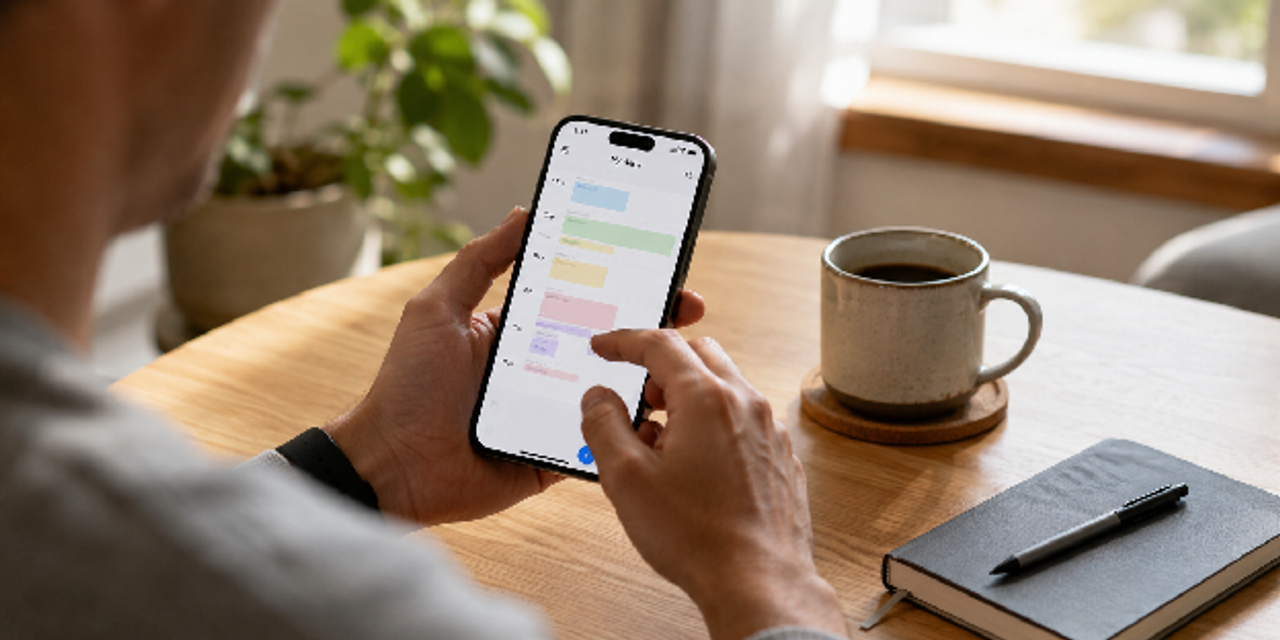
5. Build a Personal Productivity System That Evolves With You
A productivity system should support your life, not control it. Yet many people fail by copying overly complicated systems that quickly become unsustainable. For that reason, your smartphone productivity setup must adapt as your goals and responsibilities change over time.
These principles come together when you design a system that evolves through simple, maintainable building blocks.
Combine Productivity Apps Into One Central System
Disconnected tools create unnecessary friction, slowing down your workflow and daily decision-making. Your productivity apps work better when they function as a single connected system instead of isolated tools.
Aligning your setup into a centralized productivity app system for better organization becomes clearer when you review the comparison in the table below:
| Tool Type | Core Function | Ideal Outcome |
|---|---|---|
| Daily planner app | Schedule priorities | Structured days |
| Habit tracker | Build consistency | Long-term routines |
| Calendar app | Manage commitments | Better time awareness |
| Notes app | Capture ideas | Reduced mental clutter |
Review and Reset Your System Weekly
Weekly reviews prevent your system from becoming outdated, keeping your productivity setup aligned with your goals. They also help you identify patterns early, before small problems grow into overwhelming issues.
Moving forward, building a consistent weekly system reset routine for productivity optimization becomes clearer when you follow the structured steps outlined below:
- Remove outdated tasks and reminders.
- Review unfinished priorities.
- Adjust routines based on energy levels.
- Plan key objectives for the upcoming week.
Focus on Sustainability Instead of Perfection
Perfectionism often destroys your consistency, since unrealistic expectations quickly lead to burnout. Meanwhile, a sustainable productivity system balances flexibility with structure, helping you stay consistent without unnecessary pressure. Long-term results become easier when you follow a sustainability-first approach to productivity habits, outlined in the steps below:
- Expect occasional off days.
- Prioritize consistency over intensity.
- Keep systems simple enough to maintain.
- Refine your setup gradually over time.
Summary Table: The 5-Step Smartphone Productivity Framework
| Psychological Hack | Primary Goal | Recommended Smartphone Tool |
|---|---|---|
| Reduce decision fatigue | Eliminate mental overload | Daily planner app |
| Habit stacking | Build consistent routines | Habit tracker |
| Visual accountability | Improve digital organization | Home screen setup |
| Time-blocking | Strengthen focus and execution | Task management app |
| Progress reinforcement | Maintain long-term consistency | Calendar and analytics tools |
Conclusion
When you organize your life using a smartphone, you move from reactive behavior to intentional control over your time, tasks, and attention. The real value comes from building a system where your phone supports clarity instead of adding daily distractions.
After applying these strategies, your day becomes structured without feeling rigid, and decisions happen faster because everything has a defined place. You stop chasing productivity and begin operating from a steady system that works quietly in the background.
Pick one area to improve today, such as your planner or notifications, and focus on that first step. From there, expand gradually until your entire smartphone setup supports the way you want to live and work.
FAQs
What is the best way to organize your life using a smartphone?
The best approach is to combine a daily planner app, calendar tools, reminders, and a habit tracker into one simple productivity system. Focus on consistency rather than downloading too many apps.
Which productivity apps are best for daily organization?
Popular productivity apps include task management apps, note-taking tools, calendar and reminder apps, and habit trackers. The best choice depends on your workflow and lifestyle.
How can a smartphone improve time management?
A smartphone improves time management by helping you schedule tasks, create reminders, use focus modes, and monitor screen time. These tools increase awareness and reduce distractions.
What is a personal productivity system?
A personal productivity system is a structured process for managing tasks, habits, schedules, and goals. It helps reduce mental clutter and improve daily consistency.
How do habit tracker apps help productivity?
Habit tracker apps reinforce consistency by making progress visible. They create accountability and help you maintain routines over long periods.
Can digital organization reduce stress?
Yes. Digital organization reduces mental overload by simplifying access to information, minimizing clutter, and creating clearer routines and priorities.
How do I organize my daily routine effectively?
Start by identifying your essential daily habits, then schedule them using calendar and reminder apps. Keep your system simple and review it weekly for adjustments.